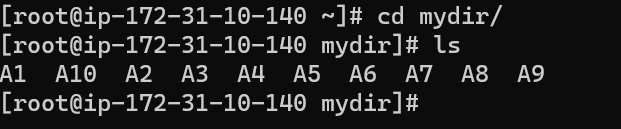
#24 Docker-Create Image, Push and Pull From Docker HUB
Lecture -4 How to Create Image, Push and Pull From Docker HUB
Docker HUB:
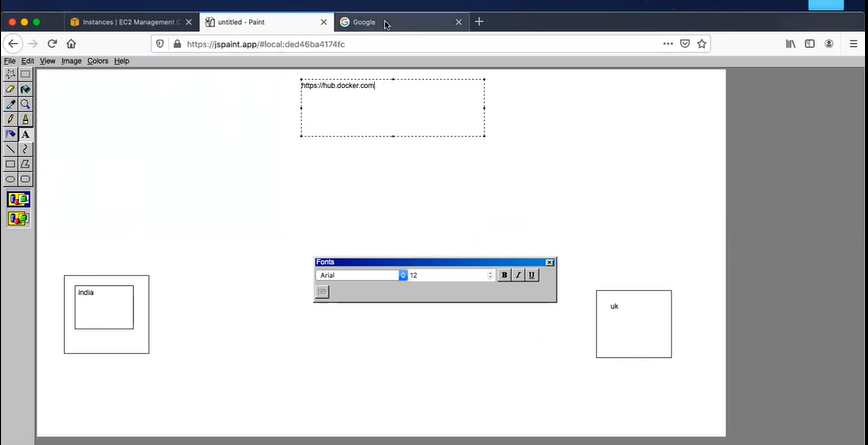
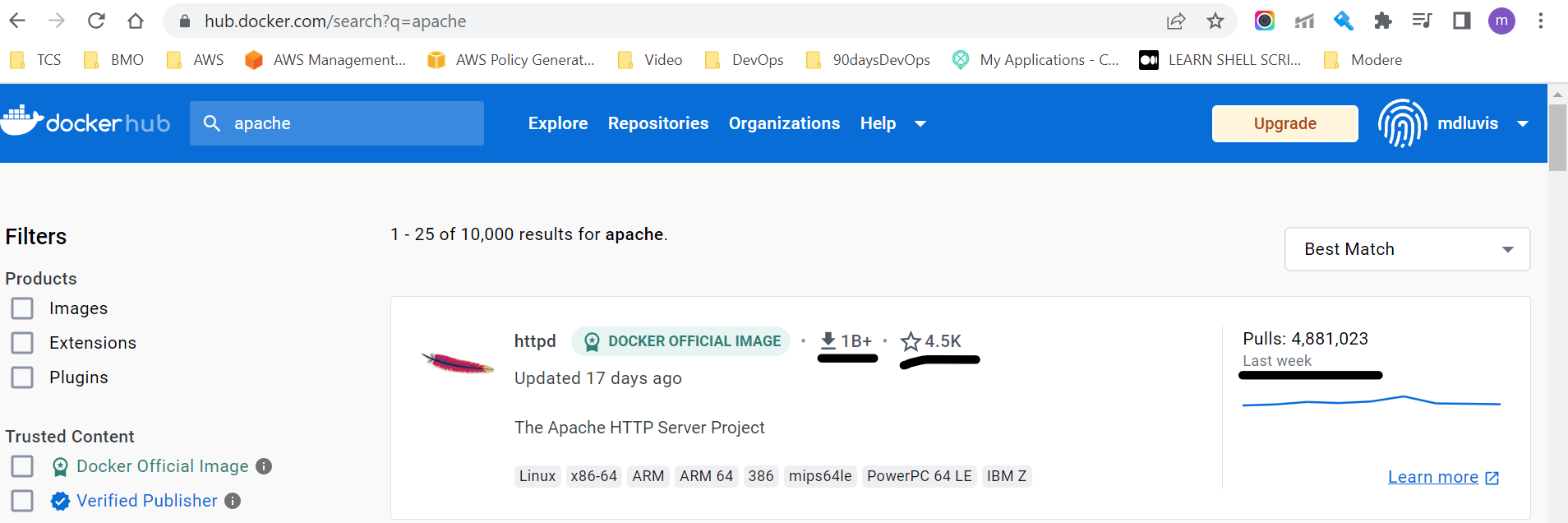
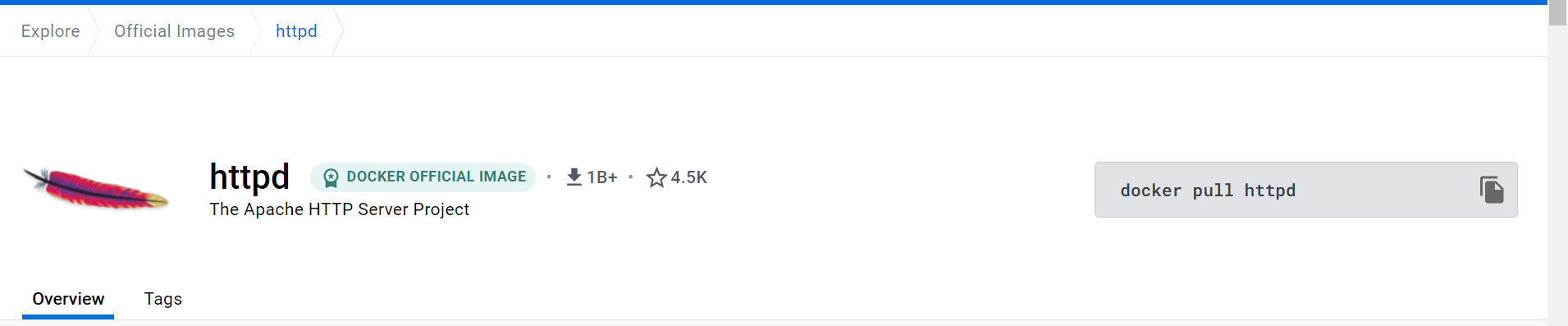
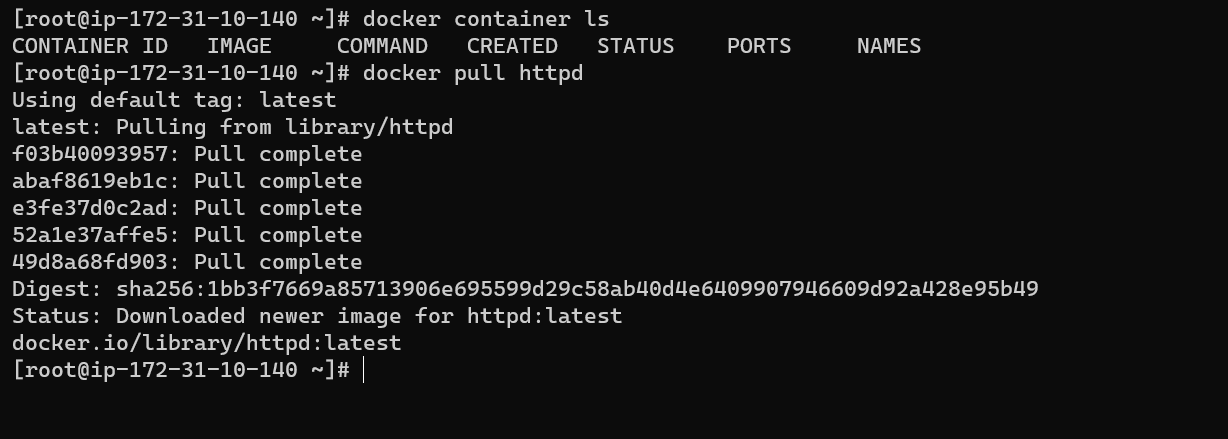
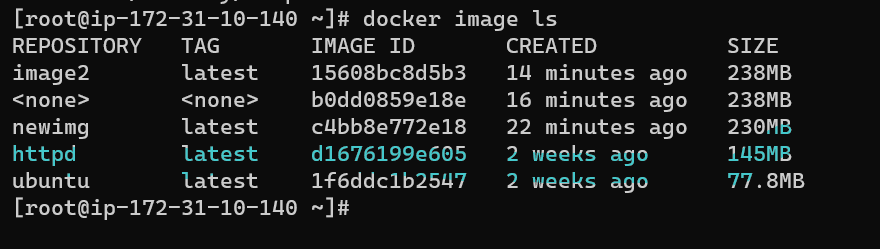
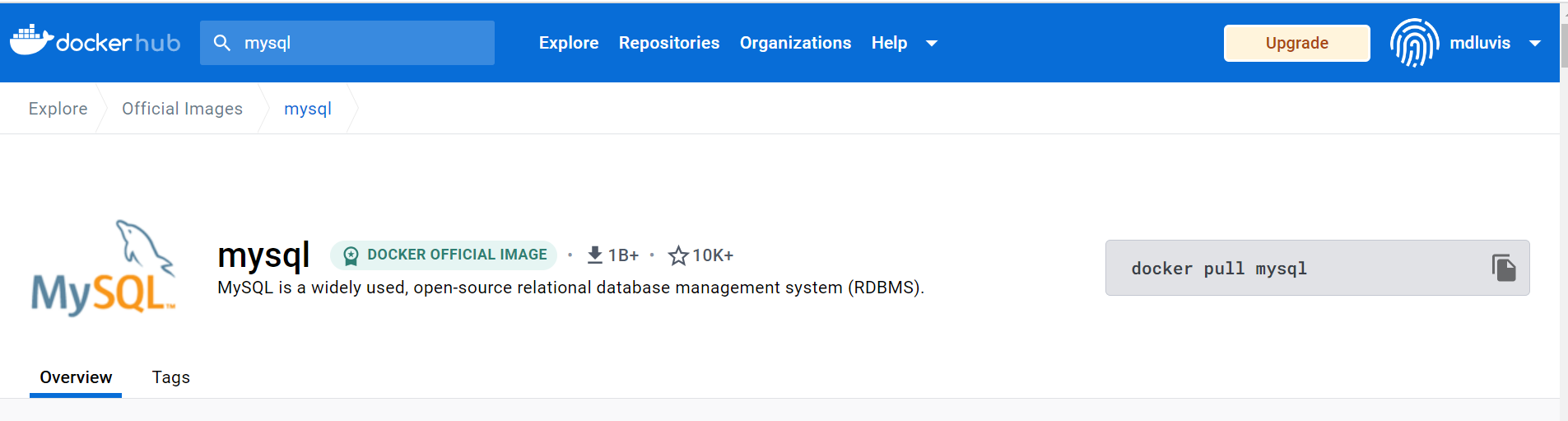
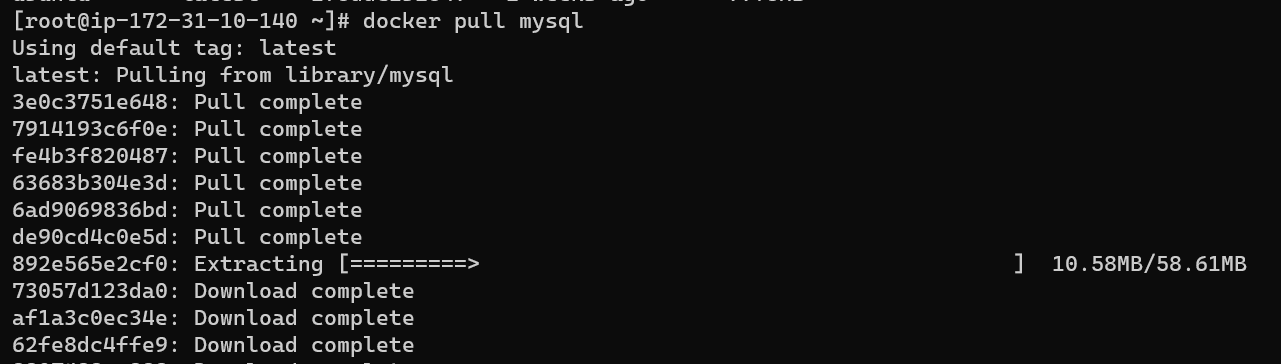
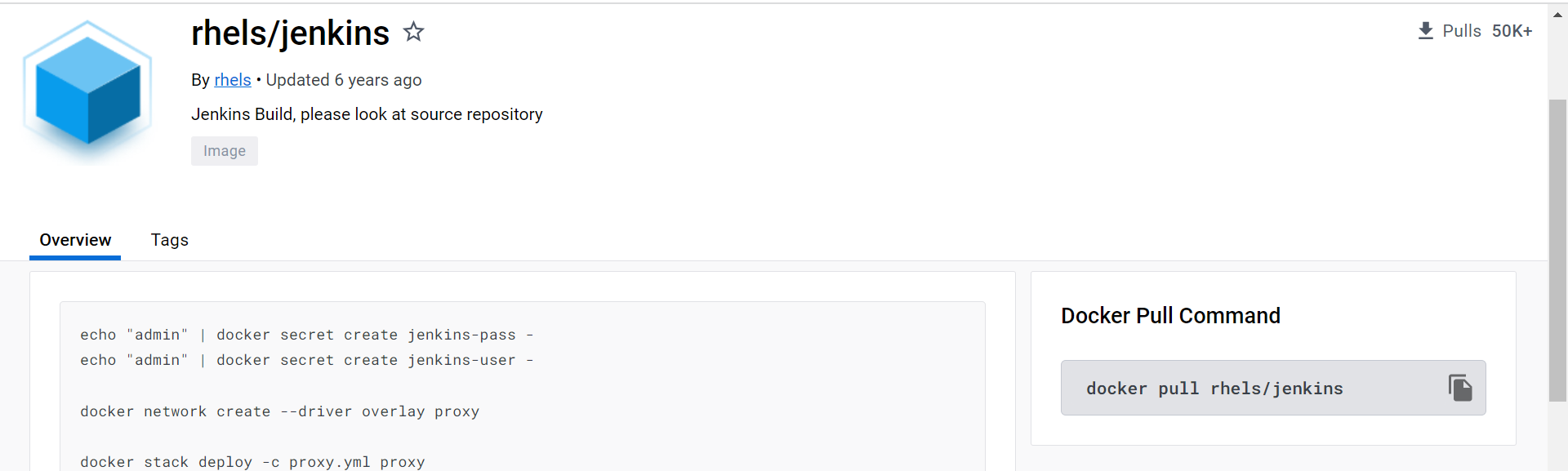
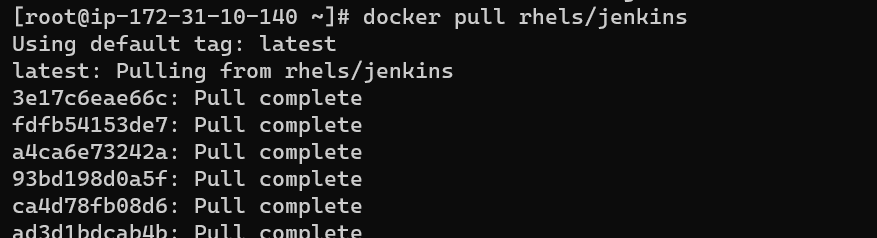
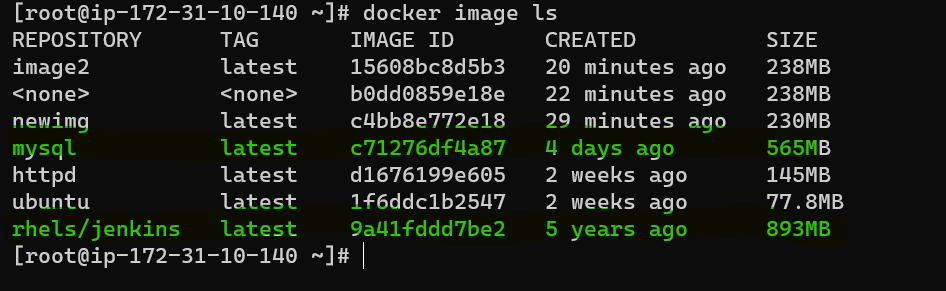
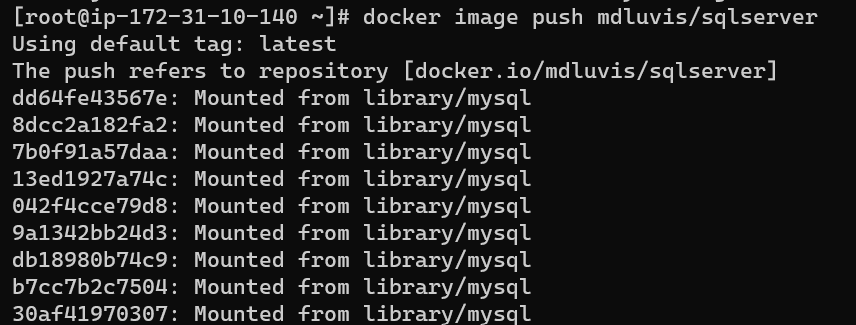
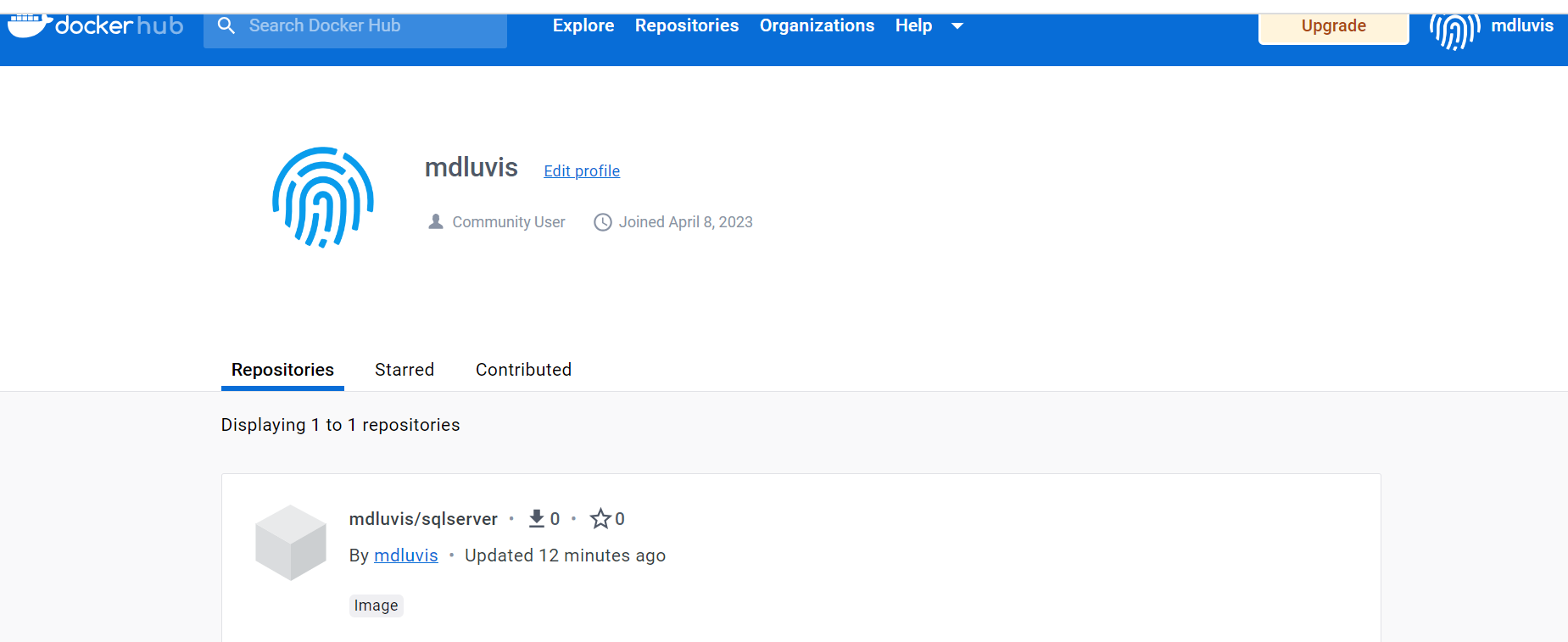
Want to send an image to the hub: For that, you need to give a proper unique tag name.
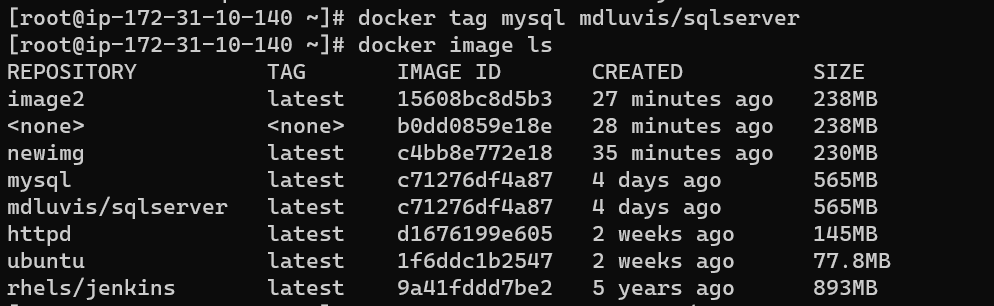
If you send it to private repo need to give a path for that for the public it will take it automatically.
Lecture -5 What are Docker Volumes, Mount
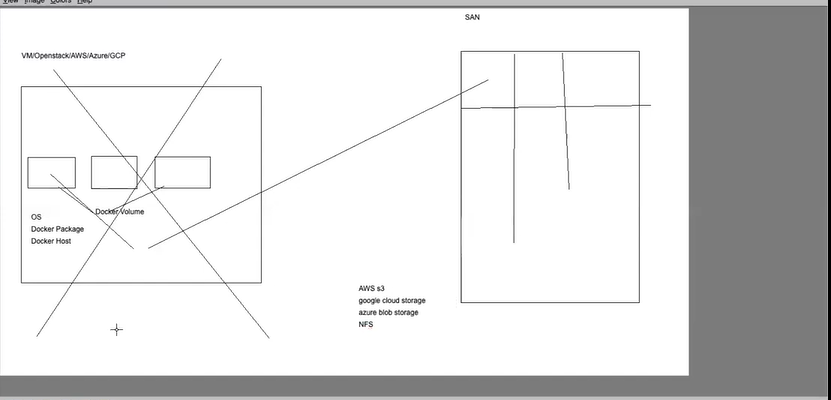
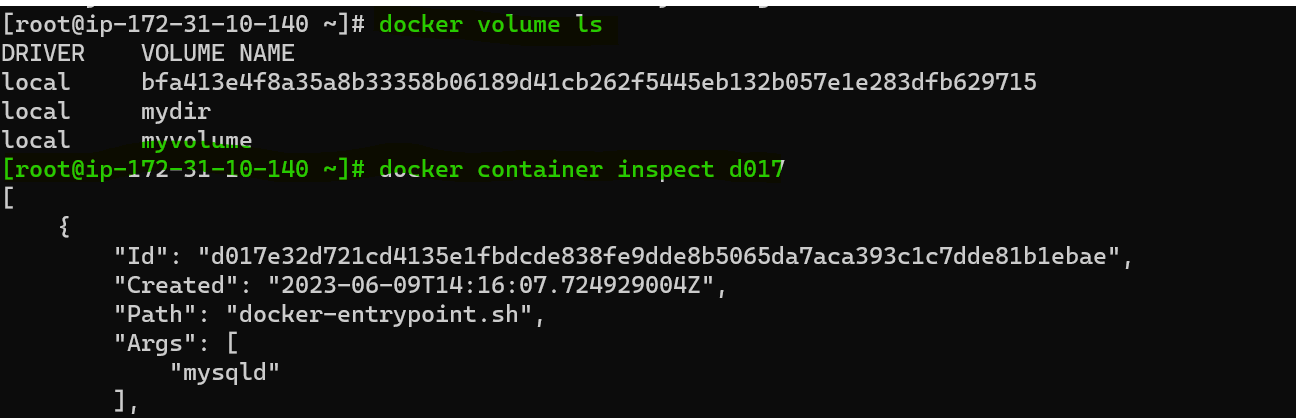
If accidentally docker container will be lost and will lose all data hence docker volume comes into the picture. Use SAN storage to create a volume attached to the host and then attach it to the docker container. Even if the Docker host is also lost we can keep up to date on data.
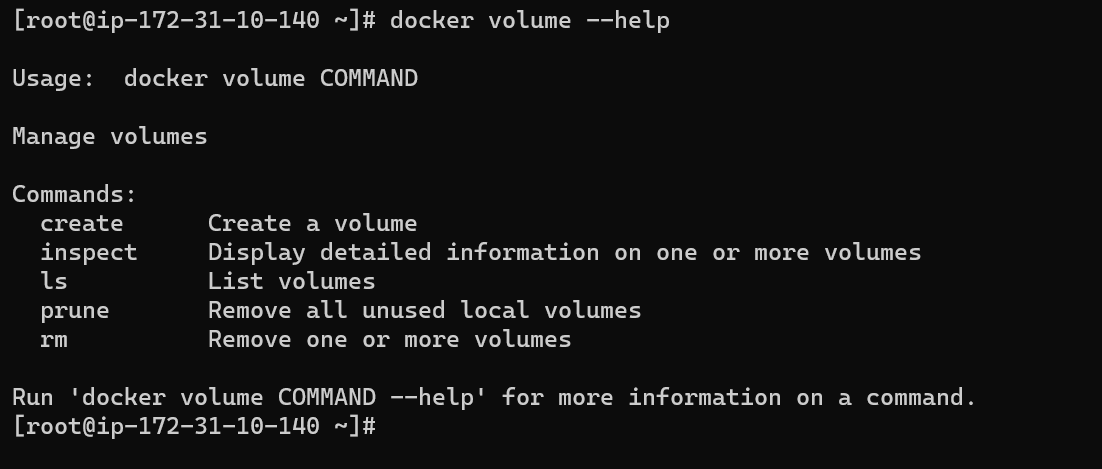
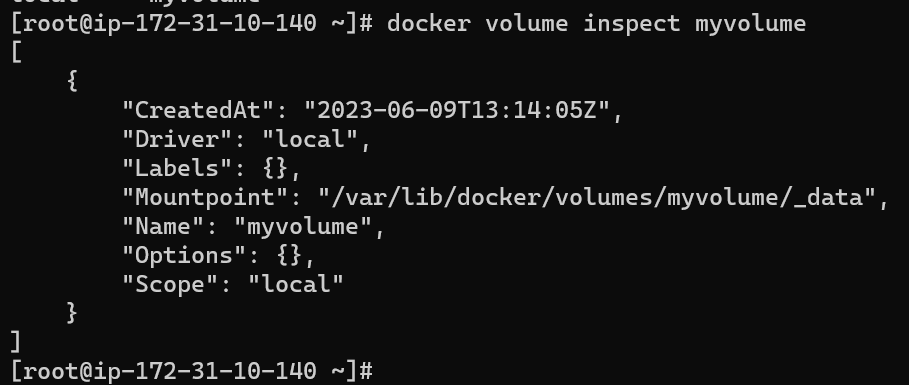
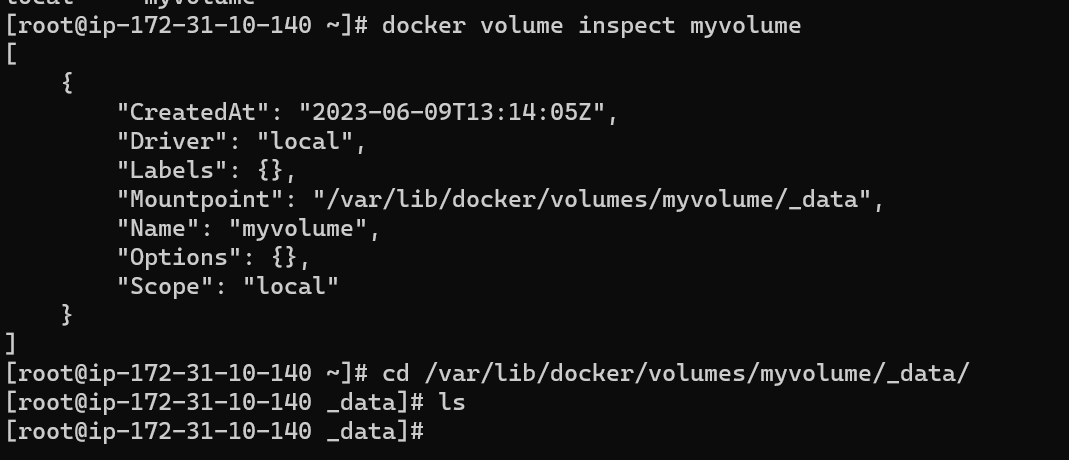
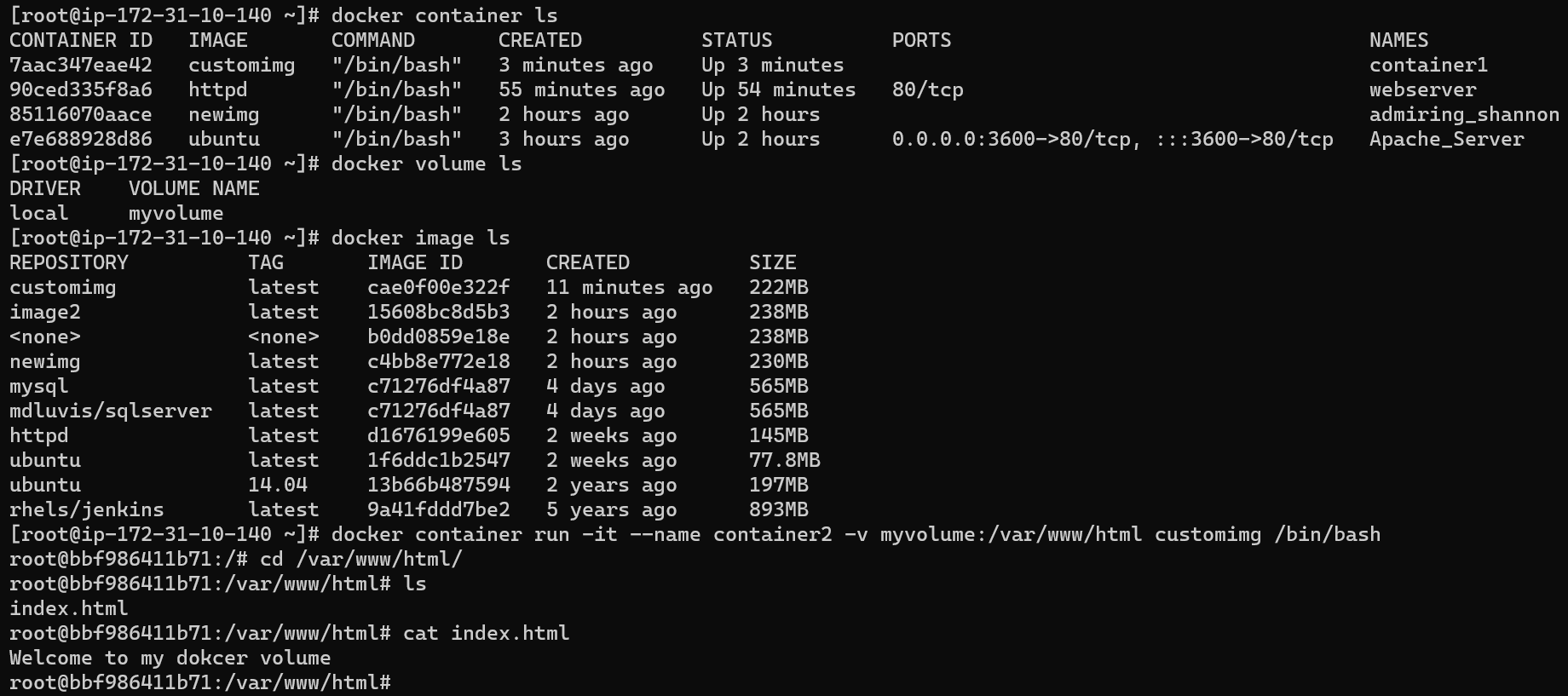
Creating a docker container by attaching a volume to it.


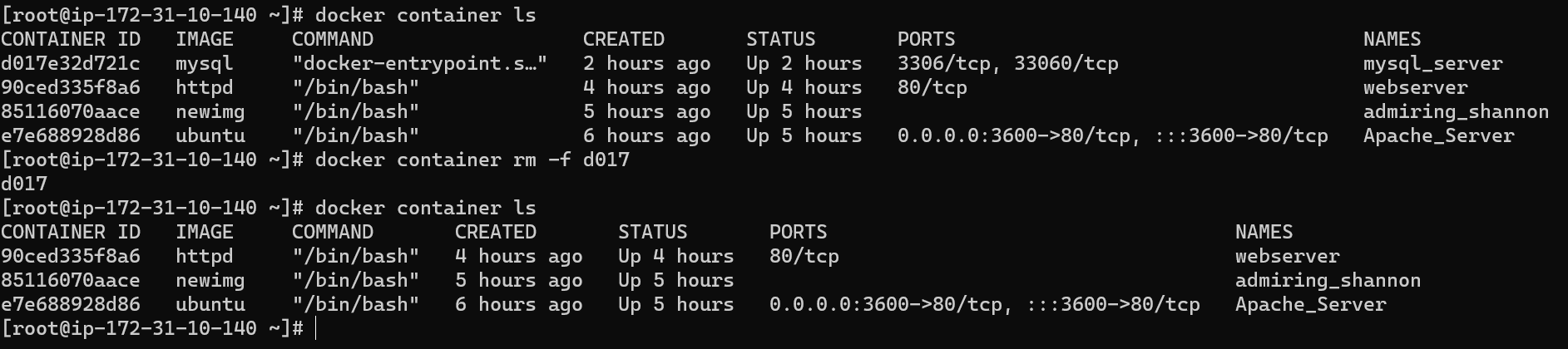
Deleted the existing container and attach the volume to the new container than also data persist in the volume

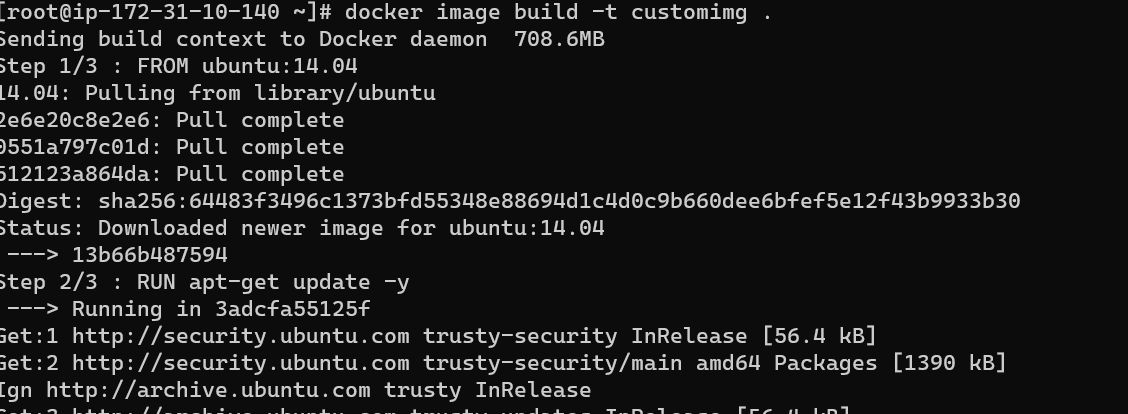
Docker file creation:
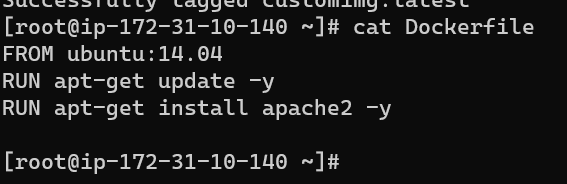
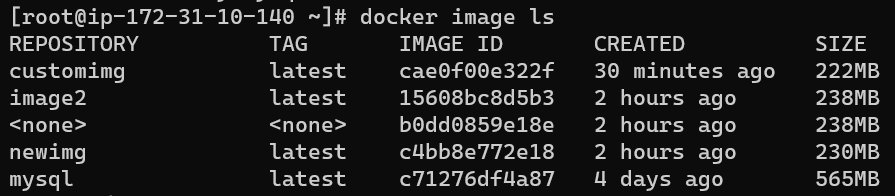
Scenario: Build an image from the docker file: Custom Image:

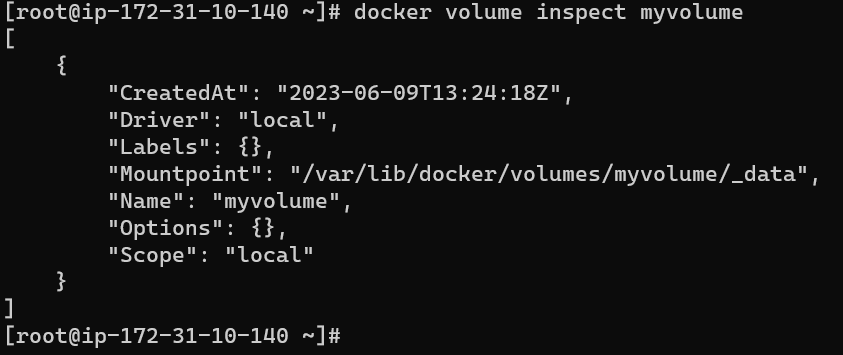
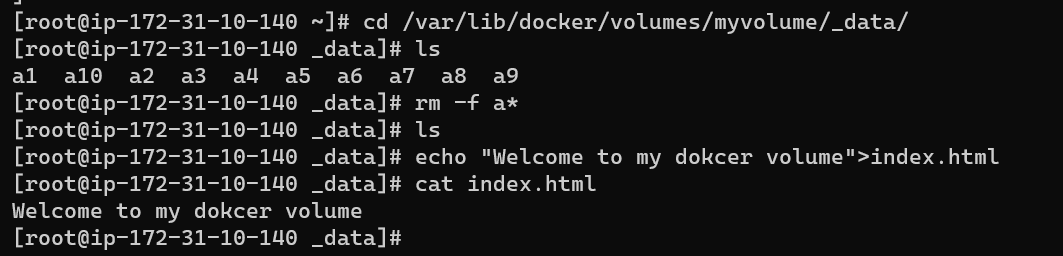
Creating a new container by using an image and attaching the existing volume which will mount the existing data into the new container.

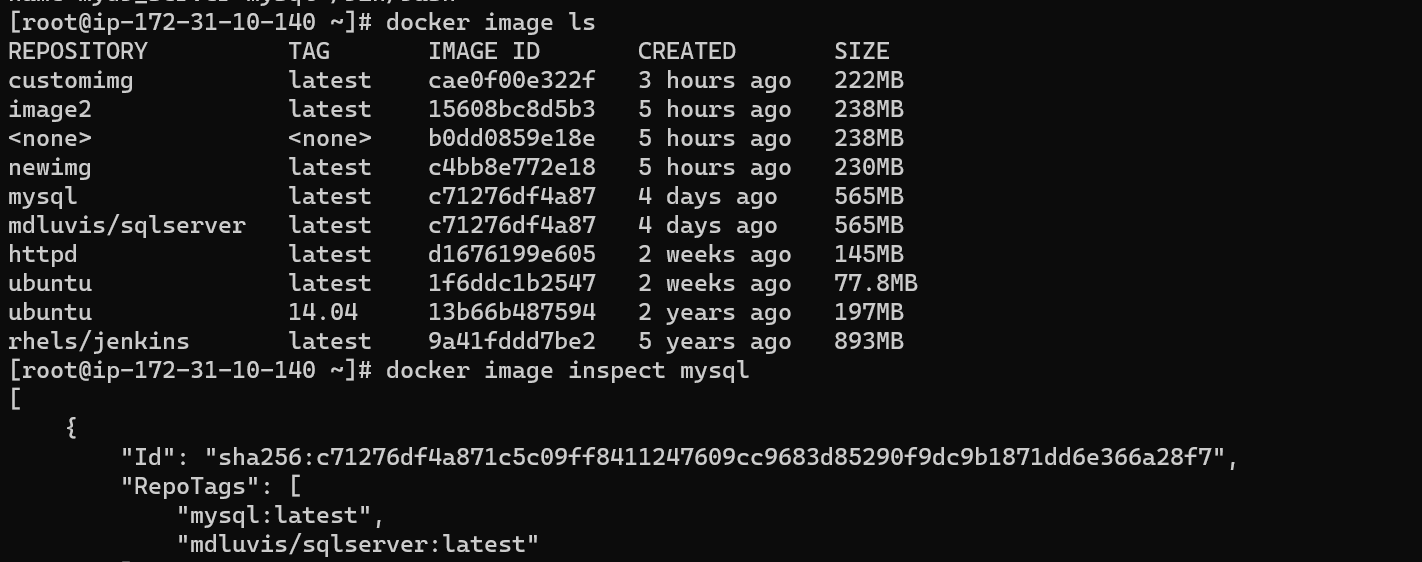
Senario2: Image pull from docker hub



Creating a container without a password.


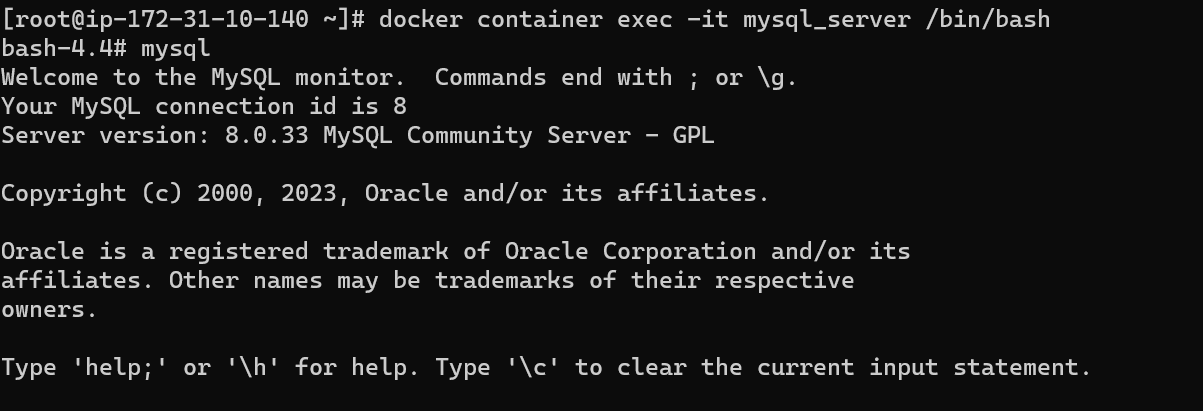
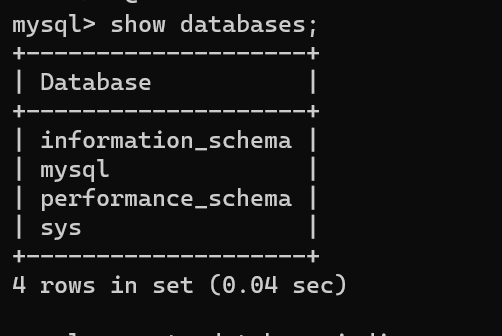
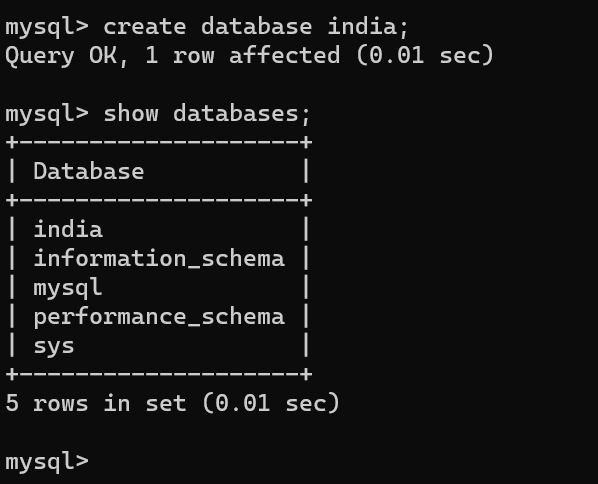
Senario3 :
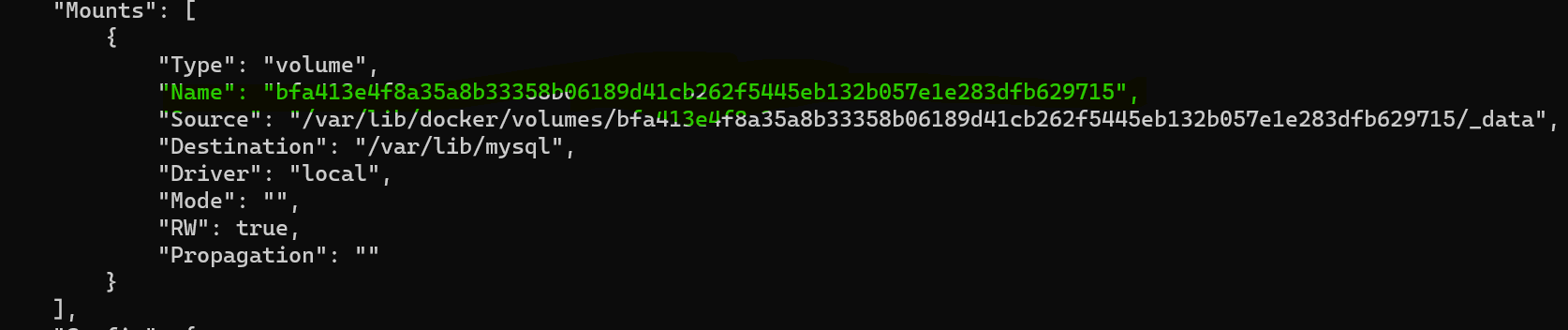
To check the image mount point.


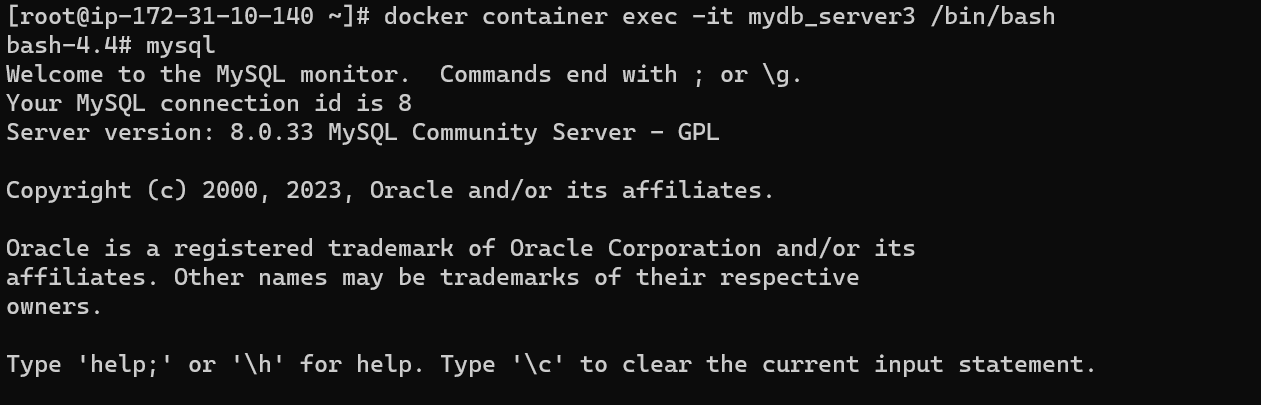
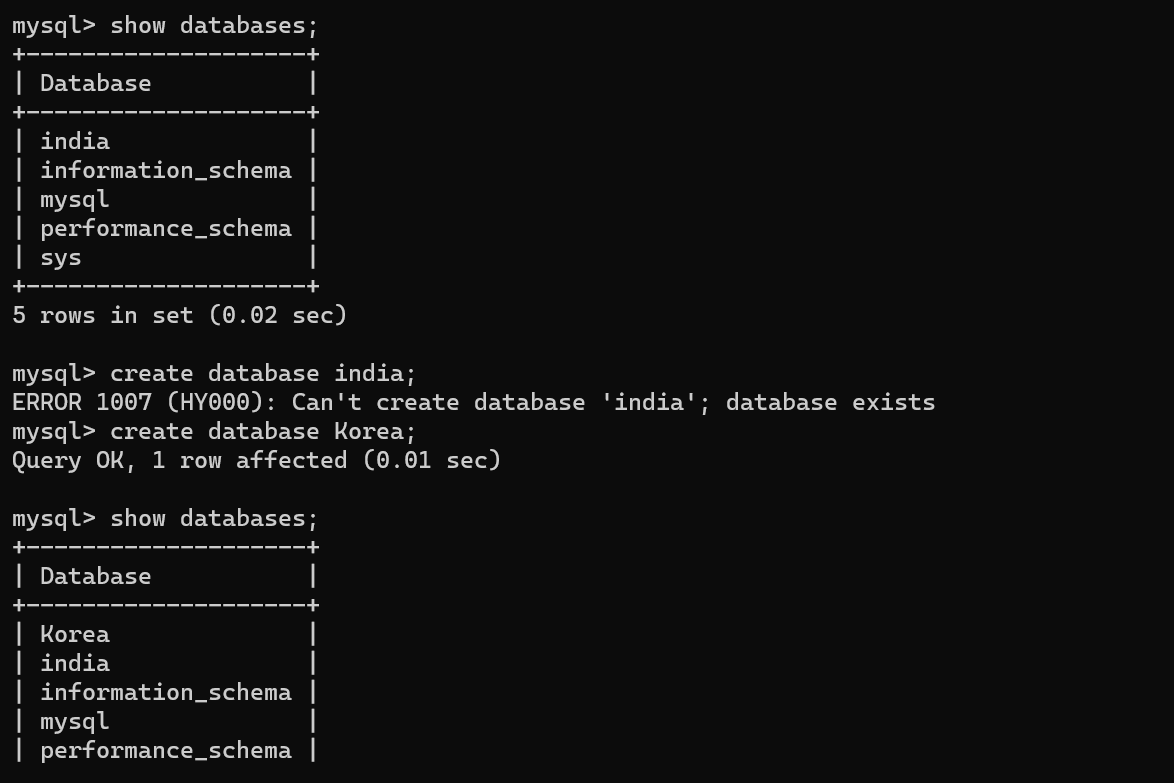
Senario3: Mounting directory from the folder.